Every time you use a typical online PDF converter, your files travel over the internet to a remote server, get processed by software you cannot inspect, and may be stored on disk for hours or even days. For most people, most of the time, this is invisible. But the risk is real — and unnecessary.
What happens when you upload to a cloud converter
With many online converters, your file is uploaded first, processed remotely, and then returned as a download. Depending on the provider, the original and output files may be kept temporarily or longer under their retention policy.
This is not theoretical. Several online file conversion services have suffered data breaches exposing uploaded documents. Others have faced regulatory scrutiny for retaining and monetizing metadata from files processed on their platforms. If you converted a payslip, a medical referral letter, or a signed contract through one of these services, you have no reliable way of knowing where that file went.
How private conversion works differently
Modern browsers can handle many PDF tasks directly on your device. PDFStick uses that local processing approach so your files can stay private.
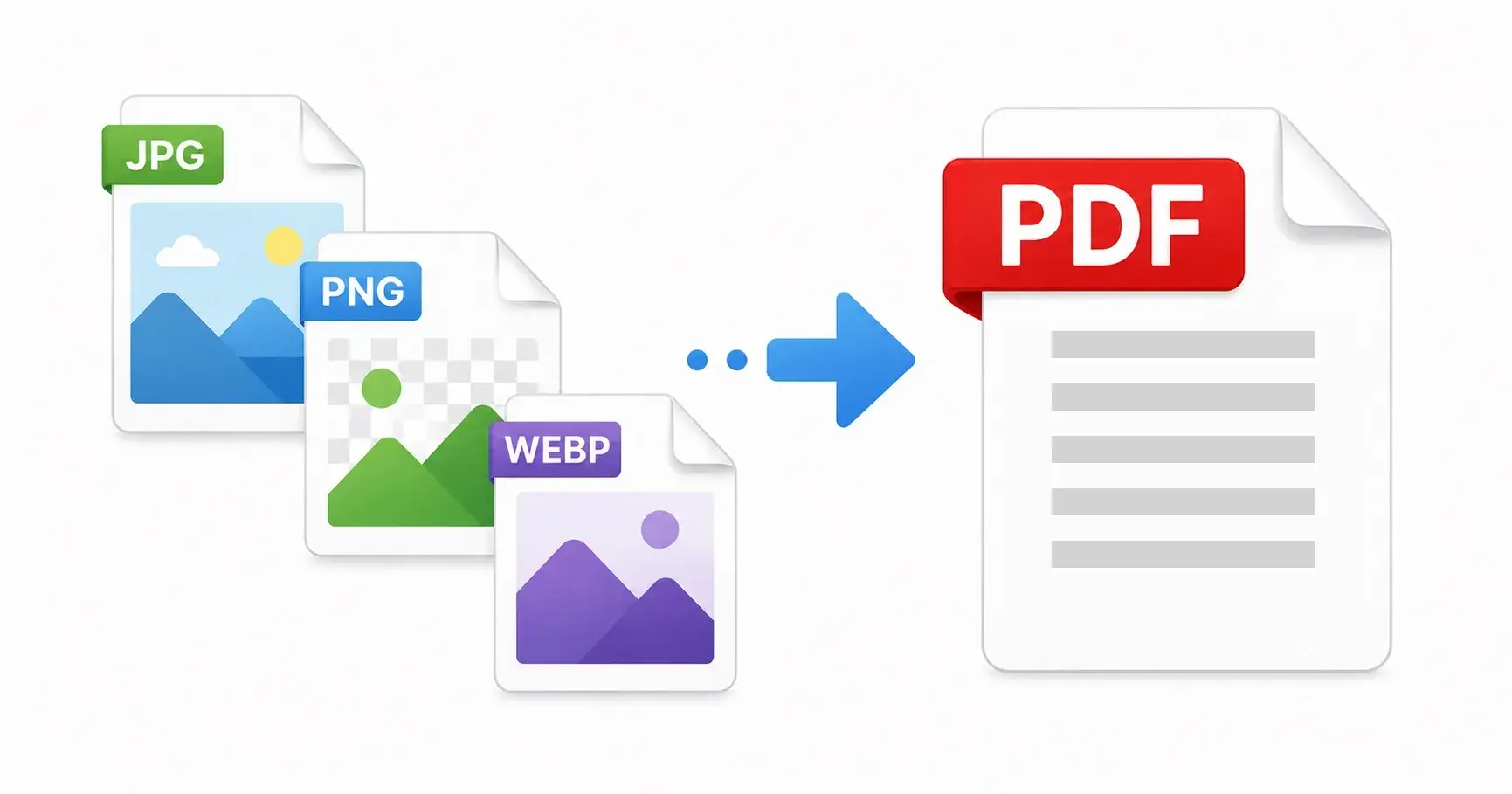
When you drop a JPG into PDFStick, the file is read locally, converted into PDF format, and offered back as a download. Your files are processed locally on your device. They are not uploaded to our servers.
Verifying it yourself
You can use PDFStick with confidence: your file is handled on your own device, and the finished PDF is created without uploading the original document to PDFStick.
The performance advantage
Private conversion is not just more private — it is genuinely faster for most files. Uploading a file, waiting for remote processing, and downloading the result can take 5–30 seconds. Local conversion in PDFStick typically takes under a second for individual images, limited only by your CPU speed.
Getting started
If you have JPG, PNG, WebP, or GIF images to convert to PDF, PDFStick handles all of them with no uploads, no account, and no waiting. Select your files, choose your page size and quality, and your PDF is ready in seconds — entirely on your own device.